
Reference

baziadda App for Android and iOS

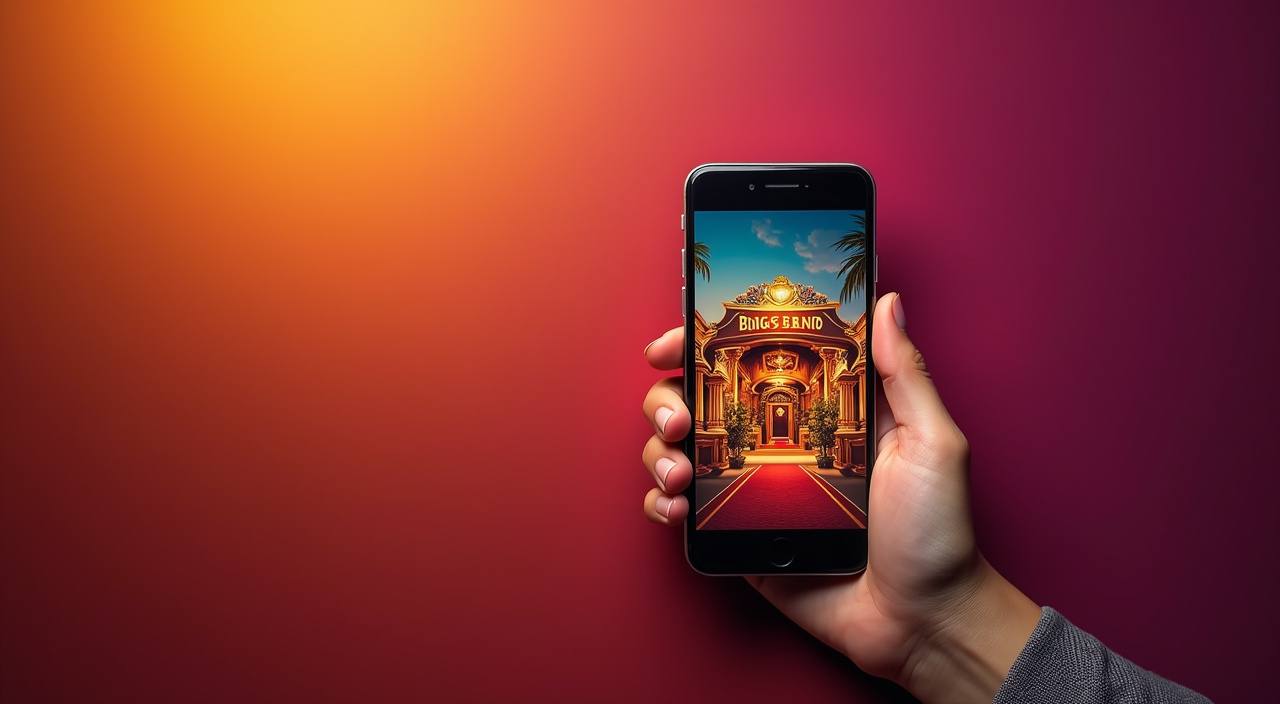
The baziadda app puts live tables, slot rooms, and a full sportsbook in your pocket — all accessible where local law permits.

AndroidiOSAPK 30MBPush AlertsFingerprint Login
baziadda baziadda App for Android and iOS
baziadda Explore What the baziadda App Does

Explore What the baziadda App Does

Switch between Dead or Alive slot rooms, live Turbo Blackjack tables, and Football Strike markets without ever leaving the app. Quick-deposit puts UPI, Paytm, and PhonePe one tap away, and push notifications bring you back the moment a round opens. Fingerprint login means you skip the password screen entirely on supported devices. The app also caches the lobby layout so you can

browse game tiles even when your connection dips — your bets and account balance stay in sync once signal returns.

APP CAPABILITY SNAPSHOT

Switch On Six Key App Capabilities

Each capability below is built into the app from day one — no extra downloads, no plug-ins.

Biometric Login Fingerprint and face-unlock are supported on compatible Android and iOS…
Push Notifications The app sends a push alert when your withdrawal clears…
Dark Mode A full dark theme ships in the app and respects…
Offline Lobby Preview The app caches the last lobby layout you viewed, letting…
Quick Deposit UPI, Paytm, and PhonePe sit in a persistent chip row…
Session Speed The app loads the lobby in roughly three seconds on…
baziadda Install the baziadda App in 3 Steps

Install the baziadda App in 3 Steps

Android users download the APK straight from baziadda.com — no app store needed. iOS users follow the App Store link on the same page. The whole process takes under two minutes on a normal mobile connection, and you land in the lobby immediately after signing in.

  • Download the File — On Android, tap the Download APK button on baziadda.com. On iOS, tap the App Store link. The Android APK is around 30 MB so it downloads quickly on 4G or Wi-Fi.
  • Allow Install from Unknown Sources — Android only: open Settings, go to Apps or Security, and enable Install unknown apps for your browser. This one-time step lets the APK install outside the Play Store.
  • Open the APK and Install — Tap the downloaded file in your notifications bar or Files app and follow the on-screen prompt to install. The process takes about fifteen seconds and requires no restarts.
  • Sign In or Open Your Account — Launch the app, enter your baziadda credentials, and you are in the lobby. New to baziadda? Tap Join on the login screen to create your account directly inside the app.
DEVICE REQUIREMENTS

Browse Compatibility Before You Download

The app is tested against the device specs below before each release. If your phone meets the minimum Android or iOS version, it will run without performance issues.

01

Android Version

Android 8.0 (Oreo) or higher. Tested up to Android 14.

02

iOS Version

iOS 14 or higher. Tested up to iOS 17.

03

RAM

2 GB minimum; 3 GB or more recommended for live casino streaming.

04

Storage

50 MB free space required for the APK and cached lobby data.

05

Supported Regions

Available in India where local law permits. Access depends on your region and applicable local regulations.

INSIDE THE SCREEN

Take a Tour of the baziadda App Screens

Every screen in the app is laid out for one-handed use on a standard Indian phone.

Live lobby preview
Quick bet slip
Account access
Slot favourites row
Live table stream
Deposit chip row
baziadda mobile gaming
Google Play App Store
APP HELP CHANNELS

Get Help with the App Anytime

If the app does not install, crashes on launch, or shows a login error, our support team handles app-specific issues through three channels.

In-App Chat Tap the chat icon in the app's Account section to reach a support agent. The chat works even if the main lobby fails to load, so you can report install or login issues directly from the app itself.
Email Support Send app logs and a screenshot to our support address from baziadda.com. Email is useful for APK signature errors or persistent crash reports where you need to attach a file. Responses come within a few hours.
Install Troubleshooter The baziadda.com help section has a step-by-step troubleshooter for the three most common install problems on Android: unknown sources blocked, storage full, and APK version mismatch. Check it before contacting support.
APP TRUST SIGNALS

Open an App You Can Trust on Your Device

Every APK we release is code-signed with our developer certificate before it goes live on baziadda.com.

Code-Signed APK

Each Android release is signed with our private certificate. Android verifies this signature at install time, so any file modified after leaving our server is blocked before it touches your device.

No Third-Party Stores

The baziadda app is only available from baziadda.com and the linked App Store page. Any version appearing elsewhere is not from us — downloading it could expose your device to modified code.

HTTPS Download

The APK download link is served over HTTPS with a valid certificate. Your browser will warn you if the connection drops to HTTP mid-download, at which point you should cancel and reload the page.

Account Recovery

If you lose access to your phone, account recovery starts with your registered email or phone number verified via OTP. No one can access your account from the app on a new device without passing this check.

Minimal Permissions

The app requests only the permissions it needs: camera for document verification, notifications for alerts, and storage to cache the lobby. It does not request access to contacts, call logs, or location.

Version Checksums

The download page lists the SHA-256 checksum for each APK release. You can verify the file you downloaded matches the checksum using any free checksum tool before installing.

Switch from Browser to App and Notice the Difference

The mobile browser version of baziadda works fine, but the app adds a layer of speed and convenience that becomes obvious once you have used both.

Load SpeedThe app bundles assets locally so the lobby opens in roughly three seconds on 4G. The mobile browser fetches assets fresh each visit, which can add four to eight seconds depending on your network.
Login MethodThe app supports fingerprint and face-unlock so you never type a password for a returning session. The browser requires your credentials every time unless you store them in a password manager.
Push NotificationsOnly the app can send push alerts to your home screen — withdrawal confirmations, round alerts, promo board updates. Browser notifications require the tab to remain open and are often blocked by default.
Offline Lobby PreviewThe app shows cached game tiles and table limits without a connection. The browser shows a blank screen or cached page that is often stale and cannot reflect current table availability.
Quick Deposit AccessUPI, Paytm, and PhonePe sit in a persistent chip row in the app's deposit sheet — two taps from any screen. In the browser you navigate to the cashier page each time, adding three or four extra steps.
Screen OptimisationThe app's layout is built for one-handed mobile use with touch targets sized for Indian phone screens. The browser renders the full desktop layout at reduced scale, which can make small buttons harder to tap accurately.

Frequently Asked Questions About the baziadda App

The questions below cover the things we hear most from people downloading and setting up the app for the first time. If something is not covered here, use the in-app chat or email support.

Download the APK directly from baziadda.com — look for the Download App button on the homepage or this page. We do not list the Android app on the Play Store, so baziadda.com is the only source to use.

Yes. Tap the App Store link on baziadda.com and it takes you to the iOS listing. Once installed, the iOS app works the same way as Android — same lobby, same deposit options, same account access.

Android shows this warning for any APK installed outside the Play Store. You need to enable Install unknown apps for your browser under Settings. This is a one-time step — Android still verifies our code signature during install.

After signing in once with your password, go to Account, then Security, and tap Enable Biometric Login. The app will prompt your phone to register your fingerprint or face — after that, biometric replaces the password on that device.

Yes. Tap Deposit from any screen, select UPI from the chip row, enter an amount, and confirm. The request routes through your UPI app — Paytm, PhonePe, or Google Pay — and the balance usually updates in under a minute.

First check that your device meets the minimum specs: Android 8.0 or iOS 14, and at least 2 GB RAM. If it still crashes, uninstall and re-download a fresh APK from baziadda.com. If the issue continues, contact support via email with your device model and OS version.

The app is accessible from India where local law permits. Whether you can create an account and access the full lobby depends on the regulations applicable in your specific region — check what applies to you before downloading.